Kodak Slide N Scan
Model RODFS50. Includes adapters for 135, 110 and 126 film plus a slide holder. Add a compatible SD card.
Identify those old negatives, slides, and movie reels. Find a scanner or holder that fits what you have.
Find your film format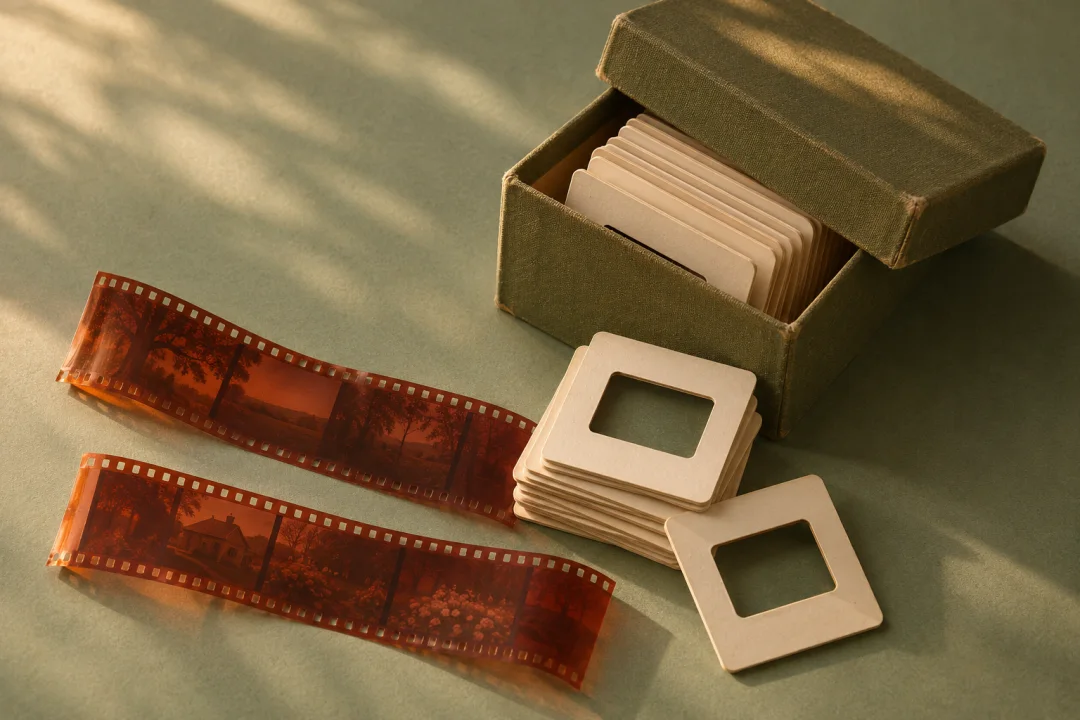
Match your film to the equipment you have.
Model RODFS50. Includes adapters for 135, 110 and 126 film plus a slide holder. Add a compatible SD card.
Uses your phone or digital camera. The newer kit also includes a 110 mask. Verify the exact box contents if you need 110.
For 35mm strips and 35mm mounted slides. Requires a computer. Check operating system support before buying.
Attaches to a compatible macro lens. The standard kit covers 35mm strips. Add the matching v2 holder for 110, 126 or APS.
Part V2EZ35110H. For developed 110 strips and the easy35 v2 body.
Part V2EZ35126H. The opening aligns with the offset square frame on 126 film.
Part V2EZ35APSH. Fits developed APS film strips and the easy35 v2 body. If all you have is a closed cartridge, ask a lab what it can handle first.
A camera scanning kit for 35mm and medium format. Check that your lens focuses at the required distance.
Model RODREELS. Digitizes Regular 8 and Super 8 motion-picture reels to MP4. Check the supported reel diameters. It does not capture sound.
The Kodak Slide N Scan RODFS50 scans both 110 and 126 negatives and includes a separate adapter for each. It works without a computer. You will need a compatible SD card.
No. Kodak lists 35mm (135), 110 and 126 film for the Slide N Scan RODFS50. APS (IX240) is outside that list. To scan developed APS strips at home, use the VALOI easy35 v2 with its separate APS holder and a compatible macro lens.
No. VALOI easy35 v2 holders require the v2 body. The reverse pairing can work: VALOI says original v1 film holders can be used in a v2 body, but they lack the v2 locking fit.